
See what is new in QuickPages
See the rebuilt QuickPages: modern templates, visual editing, funnels, A/B tests, lead reporting, webhooks, and one-time Pro options.
Follow the walkthroughClear, current guides for creating QuickPages campaigns, connecting the follow-up, testing variants, and reading the results.
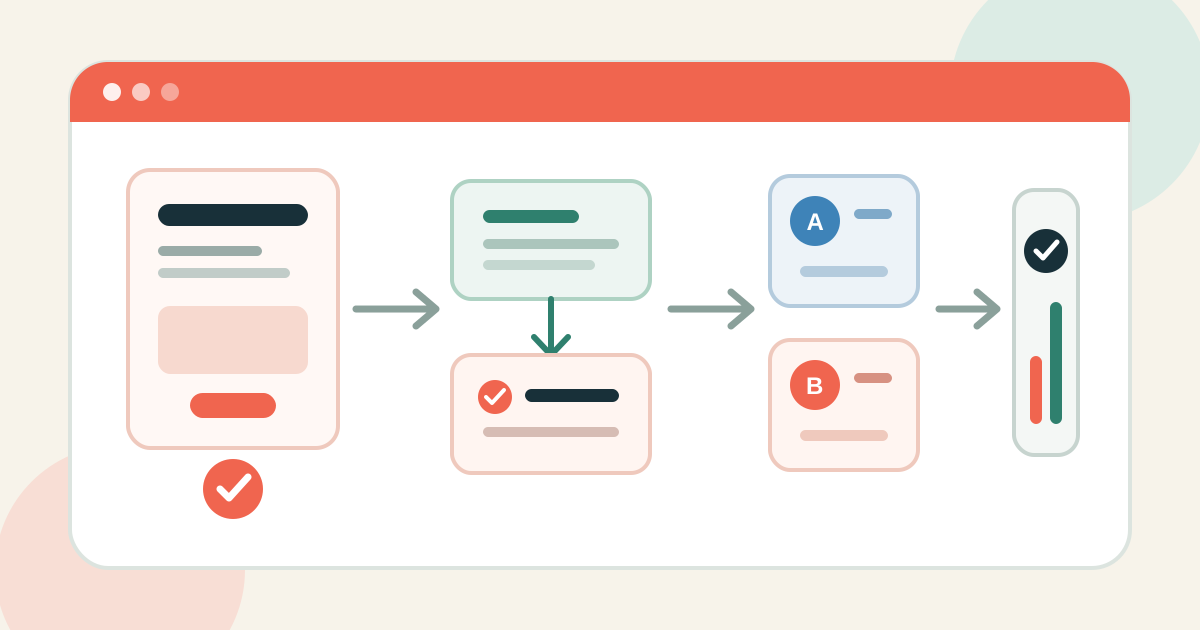
See the rebuilt QuickPages: modern templates, visual editing, funnels, A/B tests, lead reporting, webhooks, and one-time Pro options.
Follow the walkthroughChoose the right campaign structure and build its pages.
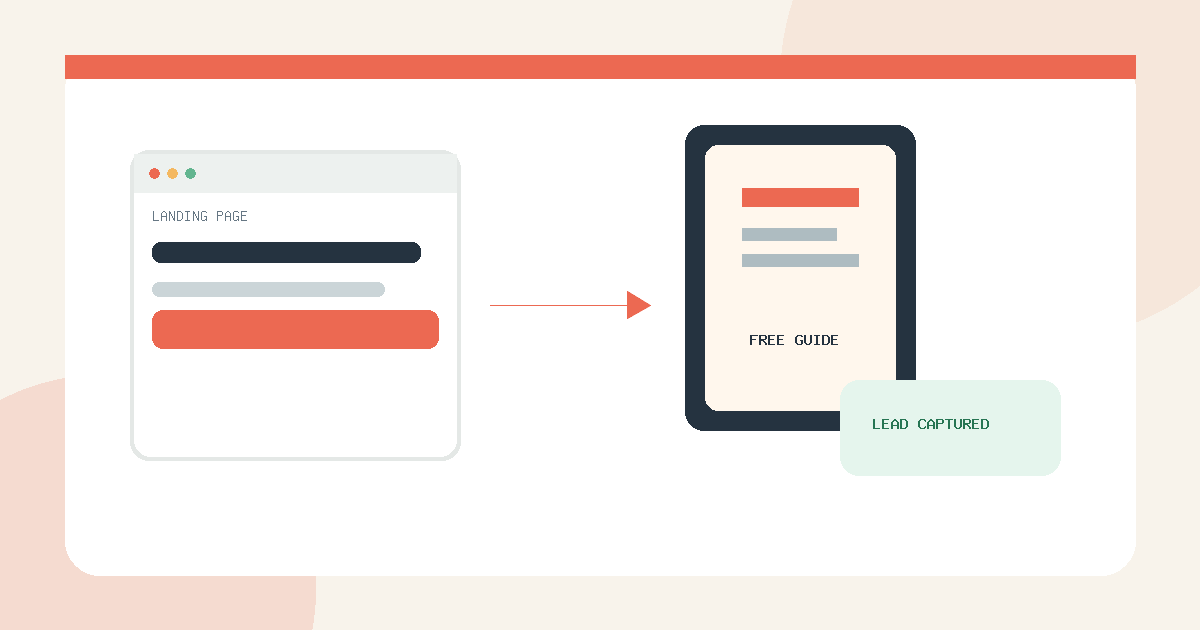
Create a lead magnet landing page, connect its confirmation flow, publish it, and verify that every signup reaches your lead inbox.
Read guide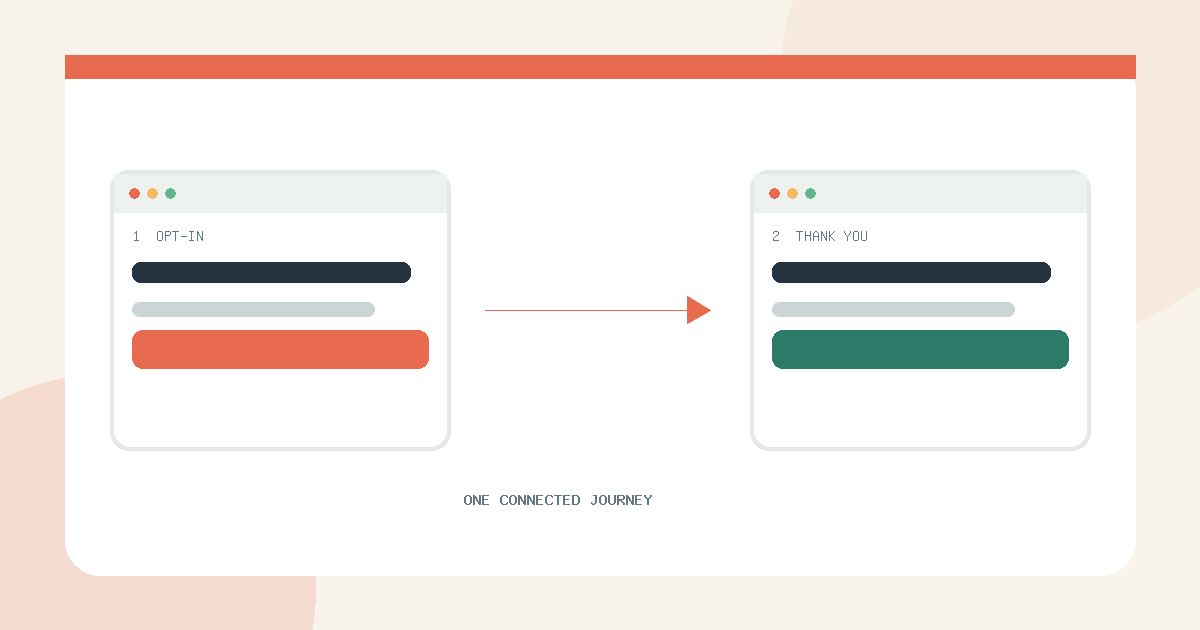
Connect an opt-in page and a hosted thank-you page, test the redirect, and review the complete funnel from one report.
Read guide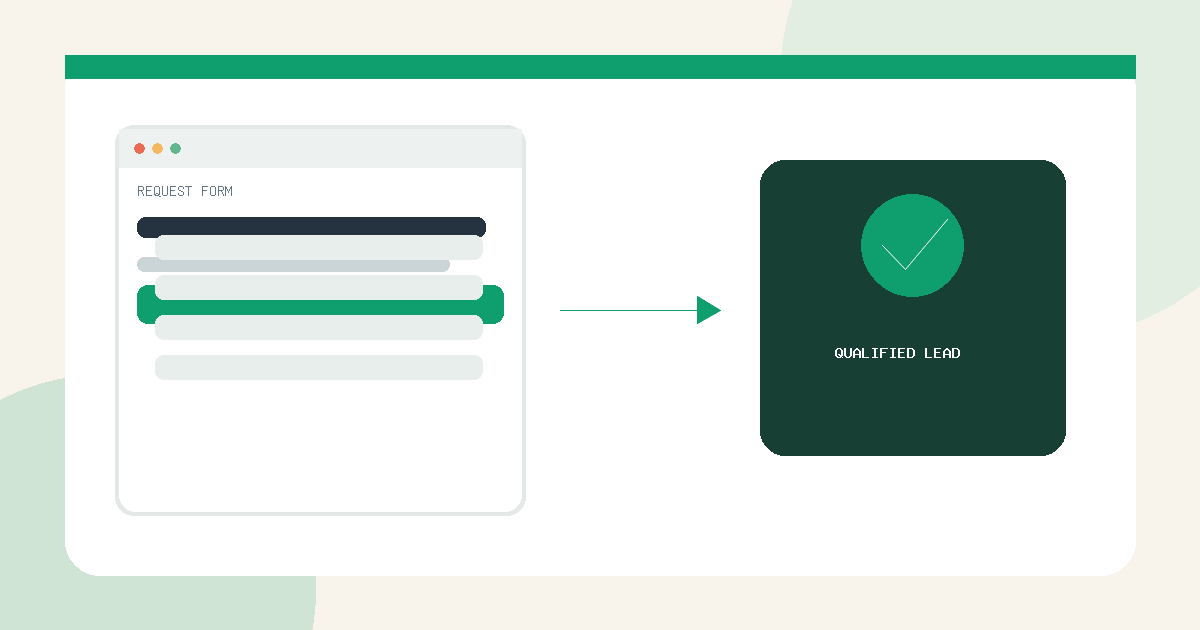
Choose a request-form template with the right questions, edit its labels, test the mobile experience, and route qualified leads.
Read guide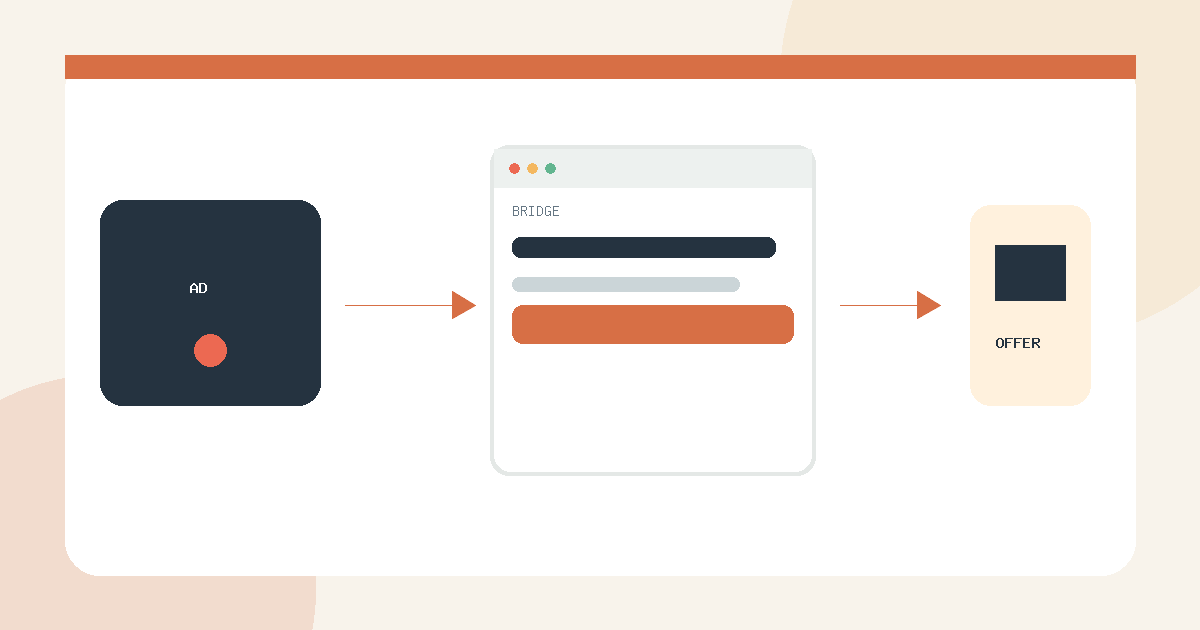
Create an honest pre-sell page that matches the ad, explains the destination, and gives visitors a clear next step.
Read guideCheck the complete visitor path and improve it safely.
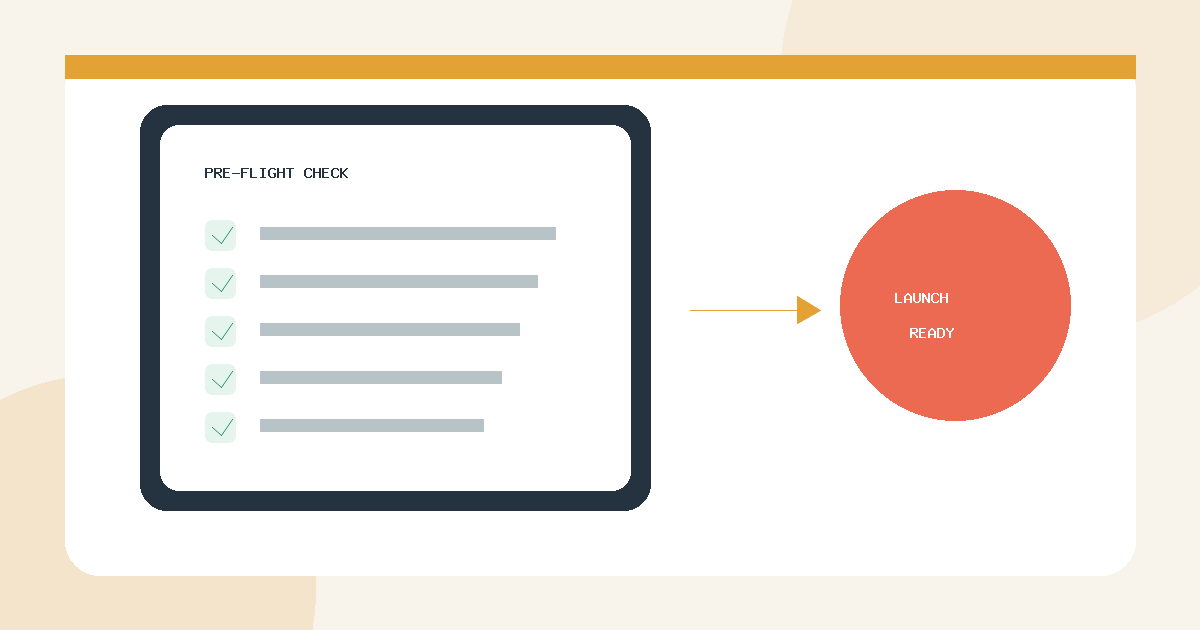
Verify the offer, mobile layout, CTA destination, confirmation flow, attribution, and automation before increasing campaign spend.
Read guide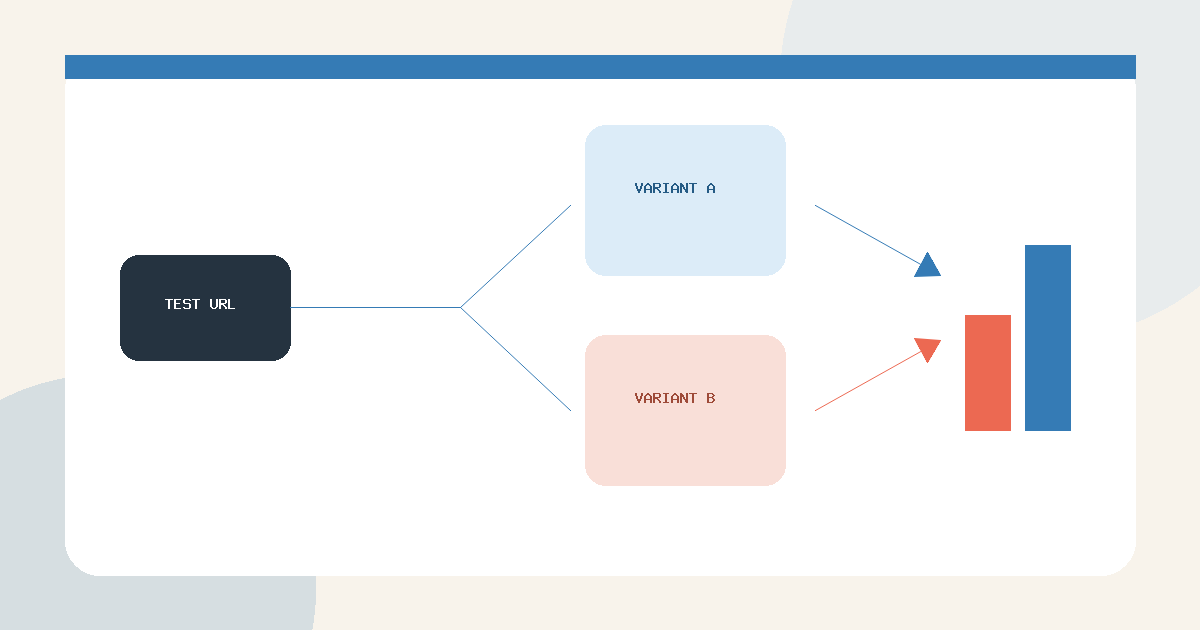
Duplicate a safe variant, split traffic through one test URL, and keep experiment results separate from each page’s complete history.
Read guideMove each signup into a useful follow-up workflow.
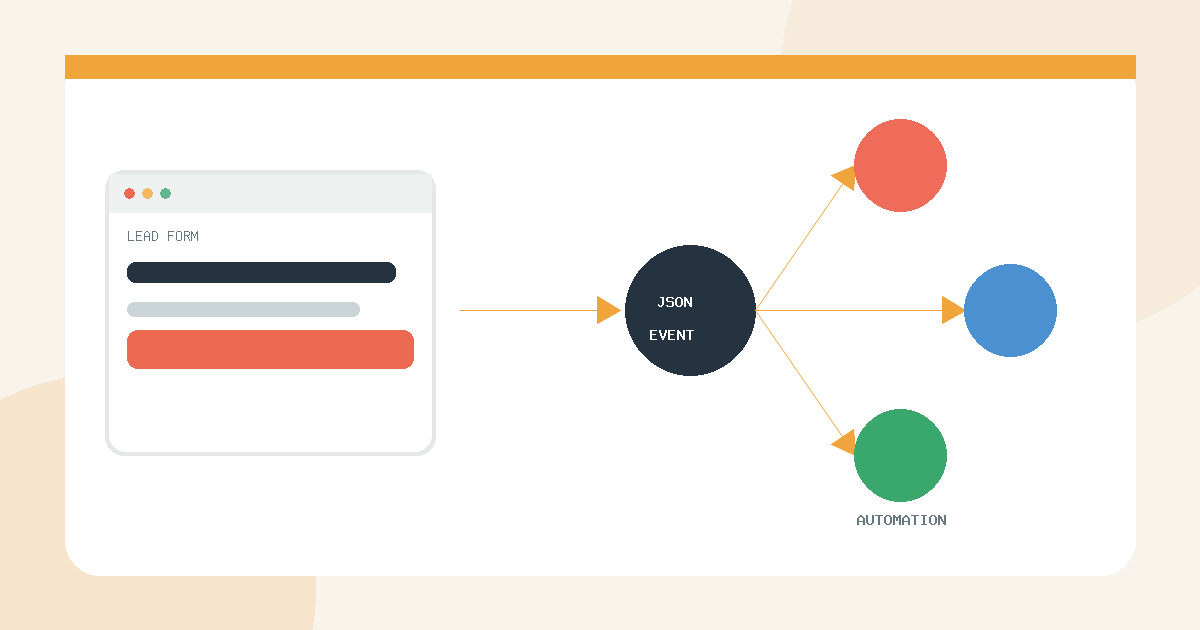
Connect a QuickPages conversion webhook to a Zapier Catch Hook, test the JSON payload, and route every signup automatically.
Read guide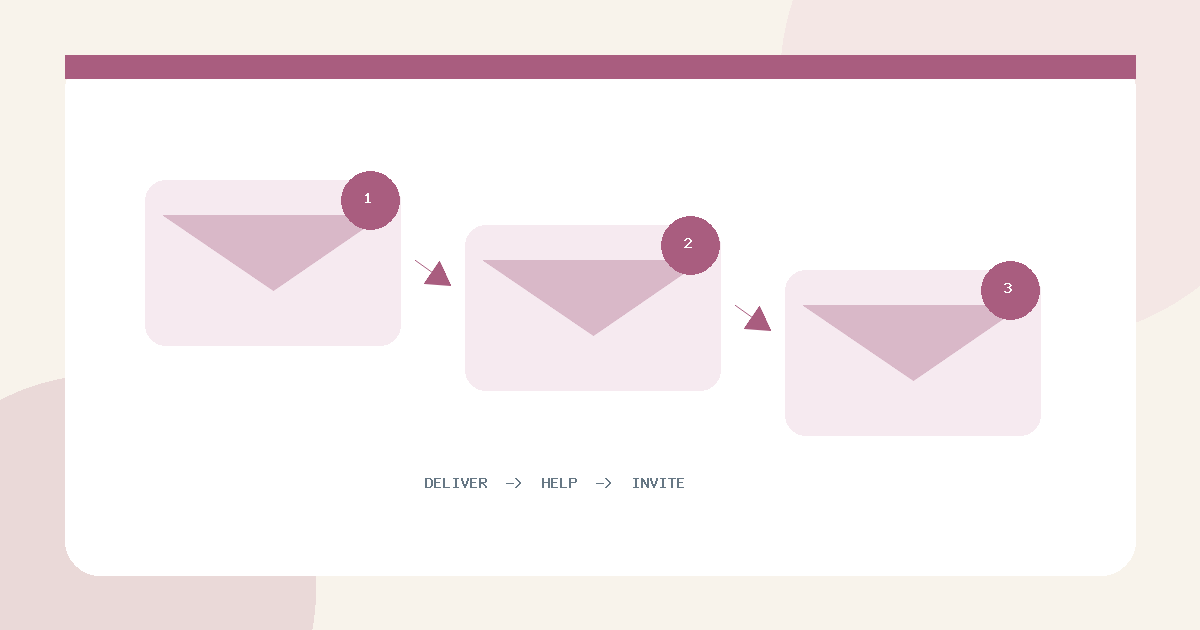
Plan the delivery email and follow-up sequence that turns a landing-page signup into a useful next step.
Read guideUnderstand leads, attribution, and campaign-level results.
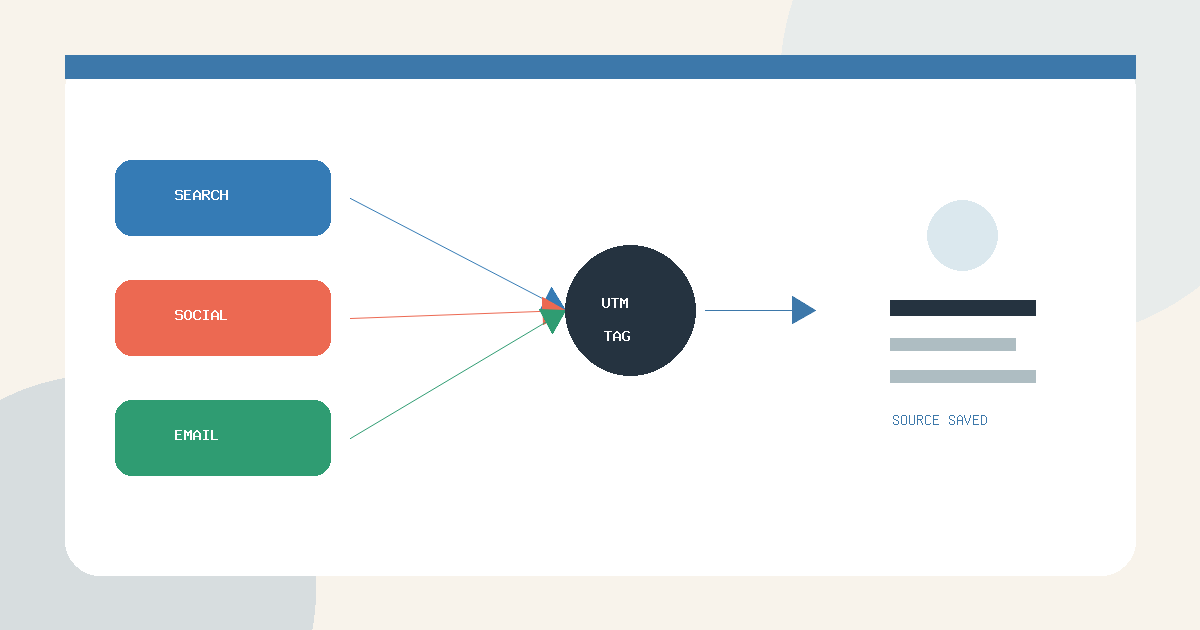
Use consistent campaign URLs and preserve the converting visit’s source in the lead inbox, CSV exports, and webhook payloads.
Read guide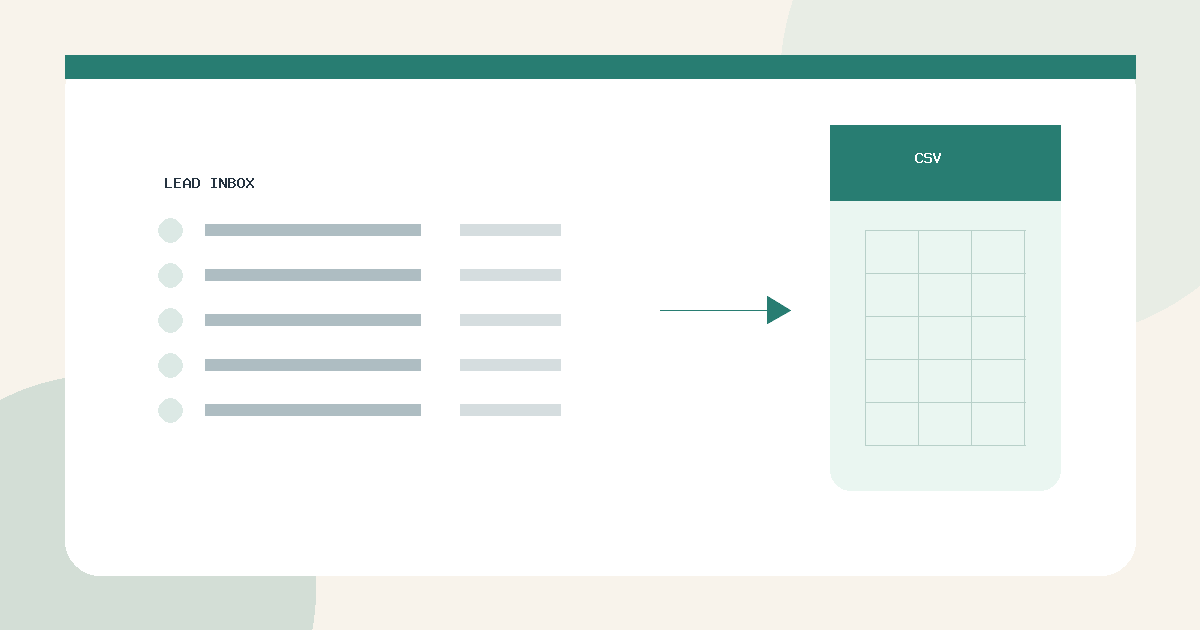
Filter individual submissions, export lead-level CSV files, and distinguish them from page, funnel, and A/B test summary reports.
Read guide